Introducing LegalTools: Connect Your Data Sources Directly to Legalpunkt

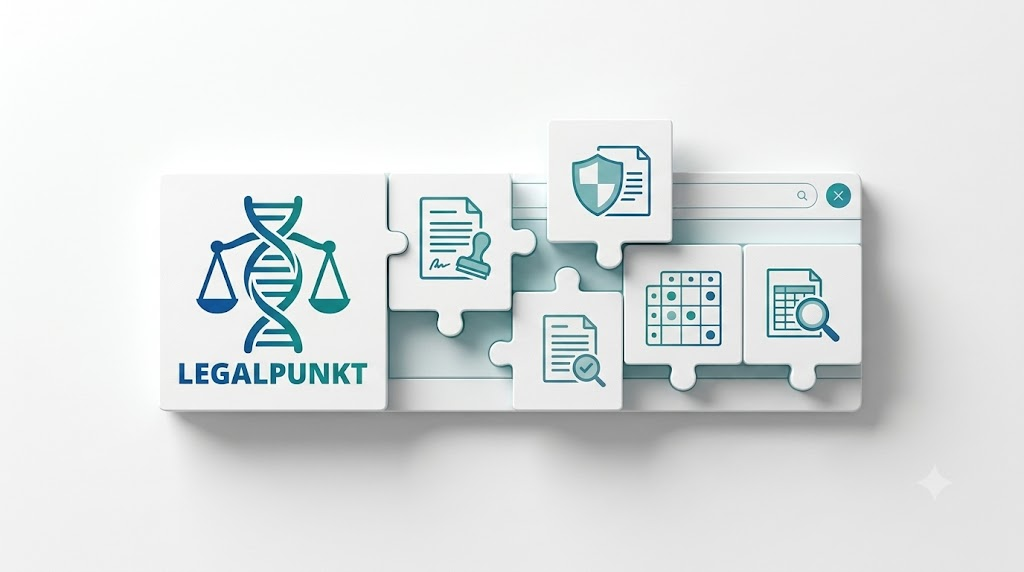
We are excited to announce LegalTools—a brand-new feature designed to streamline your legal workflows by connecting Legalpunkt directly to the platforms you use every day.
Best of all? LegalTools is available now and completely free for all Legalpunkt users.
What is LegalTools?
In legal operations, client documents, contracts, and internal policies are often scattered across multiple platforms—from Google Drive and SharePoint to cloud file storage and email archives.
Previously, bringing those documents into Legalpunkt meant manually downloading files to your computer and re-uploading them into your project's context. LegalTools changes that.
With LegalTools, you can establish secure, one-click connections to external tools like Google Drive and Microsoft SharePoint. Once connected, your AI Agent can access, pull, and analyze documents directly from the source.
Why You'll Love It
Zero Friction: Stop wasting time toggling between tabs, downloading attachments, and re-uploading files.
Connect Once, Use Everywhere: Set up your integration once in Settings, and it becomes instantly available across all your Legalpunkt projects, Context tabs, Artefacts, and Contracts.
Always Up-to-Date: Pull the latest versions of standard NDAs, corporate policies, and client files straight from your master cloud storage.
Enterprise-Grade Security: Powered by secure OAuth 2.0 and Azure AD authentication, ensuring your organization maintains full control over data permissions.
How to Get Started
Setting up LegalTools takes less than a minute: Go to Settings in the bottom-left sidebar of Legalpunkt, open the Tools tab, click Connect on your preferred platform (e.g., Google Drive or SharePoint), and authorize access. That's it — you're ready to pull files directly into your projects.
Head over to your account settings today to try LegalTools for free!